Many beginners install Notion AI but feel disappointed after the first few tries. The tool seems powerful, yet the results often look generic or incomplete. The real problem is not Notion AI itself—it is not knowing how to use Notion AI effectively.
This tutorial explains how to use Notion AI effectively with real workflows, clear thinking rules, and ethical usage. Instead of listing features, you will learn when, why, and how to apply Notion AI in daily study, blogging, and productivity tasks.
If your goal is to avoid low-value AI output and create meaningful work, this guide is designed for you.
Best AI Tools to Make Notes for Students (Free & Easy Guide)
Table of Contents
What Is Notion AI? (Quick Context)
Notion AI is an AI writing and thinking assistant built directly into Notion pages. Unlike standalone AI tools, it works inside your notes, documents, and planning systems.
Understanding this difference is essential to learn how to use Notion AI effectively. It is not meant to replace thinking—it is meant to support it.
Who Should Learn How to Use Notion AI Effectively?
Notion AI works best for people who already deal with ideas, text, and organization.
It is ideal for:
- Students (notes, revision, summaries)
- Bloggers (drafts, outlines, clarity improvement)
- Creators & professionals (planning, documentation)
If your work involves writing or structuring information, learning how to use Notion AI effectively can save time and improve quality.
The Core Principle Behind Notion AI
Before using any command, remember this rule:
Notion AI improves existing thoughts.
It does not replace original thinking.
Most low-value content comes from expecting AI to create everything from scratch. To truly understand how to use Notion AI effectively, you must treat it as an editor and assistant, not an author.
How to Activate Notion AI (Step-by-Step)
- Open any Notion page
- Type
/aior highlight existing text - Select an AI action (summarize, improve, rewrite, etc.)
This simple access method allows you to apply AI exactly where needed. Knowing this basic step is essential to learn how to use Notion AI effectively in real workflows.
ChatGPT Prompts for Students’ Study (Complete Practical Guide)
How to Use Notion AI Effectively for Writing
Wrong Way (Low-Value Usage)
- Generating full articles without input
- Publishing AI text without editing
- Treating AI output as final content
Right Way (High-Value Usage)
- Create outlines
- Improve clarity
- Simplify complex language
Practical Example
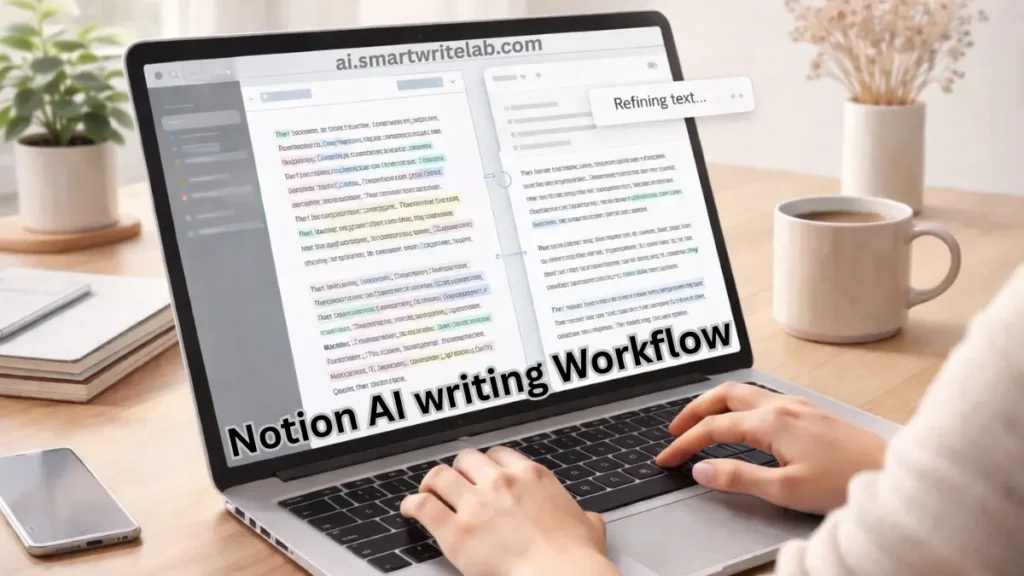
Highlight your paragraph and ask:
Improve clarity and make this beginner-friendly.
This method demonstrates how to use Notion AI effectively while keeping human control intact.
How to Use Notion AI Effectively for Study & Notes
This is where Notion AI performs exceptionally well.
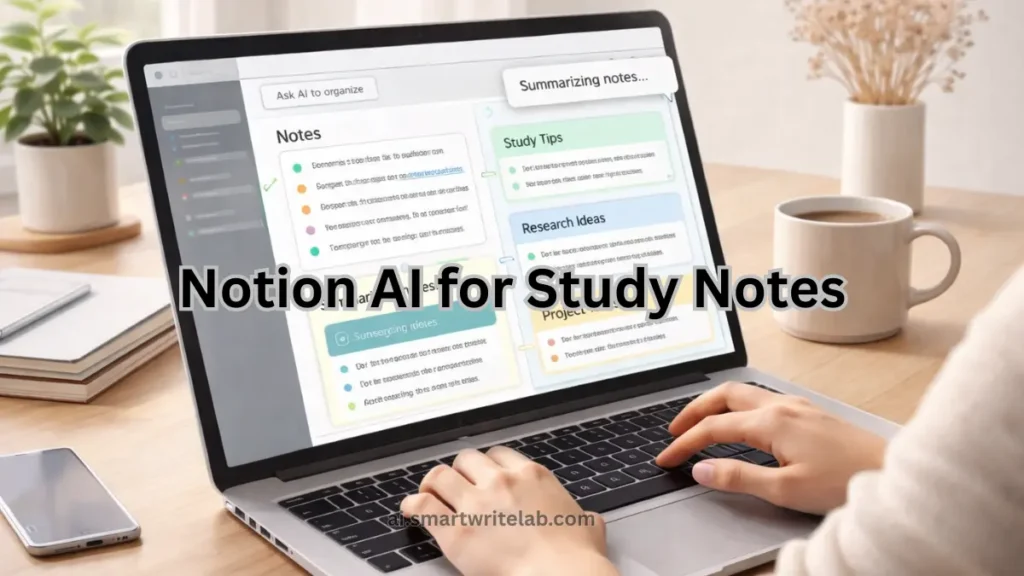
Use Case 1: Summarizing Long Notes
Prompt inside Notion AI:
Summarize these notes into short revision points.
This is useful for:
- Exam preparation
- Lecture notes
- Quick revision
Using this approach consistently is one of the best ways to learn how to use Notion AI effectively for students.
Use Case 2: Simplifying Difficult Topics
Prompt:
Rewrite this in very simple language for a beginner student.
This helps break down complex subjects without losing meaning—an important part of how to use Notion AI effectively for learning.
How to Use Notion AI Effectively for Bloggers
Notion AI should not replace writing tools like ChatGPT, but it complements them.
Smart Blogging Workflow
- Generate ideas elsewhere (or manually)
- Draft structure in Notion
- Use Notion AI to:
- Expand sections
- Improve flow
- Reduce complexity
Example Prompt
Turn this outline into short, clear paragraphs with simple language.
This workflow avoids robotic AI tone and shows how to use Notion AI effectively for content creation.
Best AI Study Planner for Students: Smart Study Without Stress
How to Use Notion AI Effectively for Productivity & Planning
Notion AI is extremely helpful for planning tasks and schedules.
Example: Study Planning
Prompt:
Create a simple weekly study plan based on these subjects and deadlines.
You can then manually refine the plan. This balance between AI and human judgment is central to how to use Notion AI effectively in productivity systems.
What Notion AI Should NOT Be Used For
To avoid low-value content and policy risks, do not use Notion AI for:
- Publishing unedited AI content
- Writing factual content without verification
- Copy-pasting for exams or assignments
- Replacing personal judgment
Misusing AI in these ways leads to thin content—exactly what Google downgrades. Knowing these limits is critical to using Notion AI effectively.
Common Beginner Mistakes with Notion AI
Many users fail to understand how to use Notion AI effectively because they:
- Expect perfect output instantly
- Provide no context
- Skip reviewing AI suggestions
- Treat AI as a decision-maker
Avoiding these mistakes immediately improves results.
Notion AI vs ChatGPT (When to Use Which)
| Task | Notion AI | ChatGPT |
|---|---|---|
| Note improvement | Excellent | Moderate |
| Draft structuring | Good | Excellent |
| Planning & organization | Excellent | Limited |
| Deep explanations | Limited | Excellent |
The best strategy is to combine both tools while knowing how to use Notion AI effectively within Notion’s environment.
Is Notion AI Safe for Students & Bloggers?
Yes—if used ethically.
Safe Usage Rules
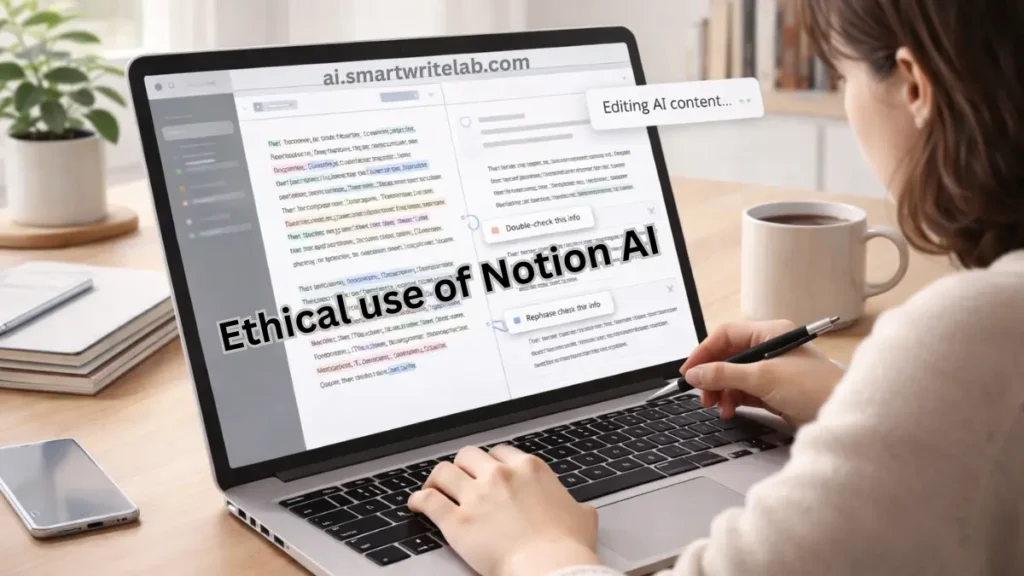
- Always edit AI output
- Use AI for learning and improvement
- Avoid submitting AI text as final academic work
Following these rules ensures your workflow remains Google-safe and aligns with how to use Notion AI effectively without penalties.
Free AI Tools for Students’ Assignments (Complete Beginner Guide)
Final Thoughts
Notion AI is powerful, but only when used correctly. Learning how to use Notion AI effectively is about understanding where AI helps and where human thinking is essential.
When you combine:
- Clear intent
- Human judgment
- AI assistance
You avoid low-value content and create genuinely useful work.
AI is not the shortcut.
Smart usage is.
Frequently Asked Questions (FAQs)
Is Notion AI free?
Notion AI usually offers limited free usage or comes with paid plans, depending onthe region.
Can beginners learn how to use Notion AI effectively?
Yes. No technical background is required.
Is Notion AI good for blogging?
Yes, for drafts and improvements—but final editing must be human.
Can Notion AI replace other AI tools?
No. It works best alongside them.









1 thought on “How to Use Notion AI Effectively (Step-by-Step Tutorial)”