AI-generated images are everywhere — blogs, Pinterest, landing pages, and affiliate sites. But most creators upload AI images without optimizing them. The result?
- Slow-loading pages
- No Google Image traffic
- Poor ranking signals
- Low click-through rate
AI image SEO is not just about adding alt text. It’s about technical optimization, contextual relevance, and user experience.
If you want your AI images to rank in Google Images and support page SEO, this guide will show you exactly how.
ChatGPT Prompts for Students’ Study (Complete Practical Guide)
Table of Contents
Step 1: Choose the Right Type of AI Image (Before SEO)
SEO starts before uploading.
Google prefers:
- Clear subject focus
- Informational visuals
- Illustrations that support content
- Images that add value (not decoration)
Avoid:
- Random abstract art
- Overly dramatic visuals unrelated to content
- Images with embedded text
Rule: Every AI image should explain something.
Step 2: Use Descriptive, Keyword-Relevant File Names
Never upload files like:
image123.png
ai-generated-01.jpg
Instead, rename them with search intent:
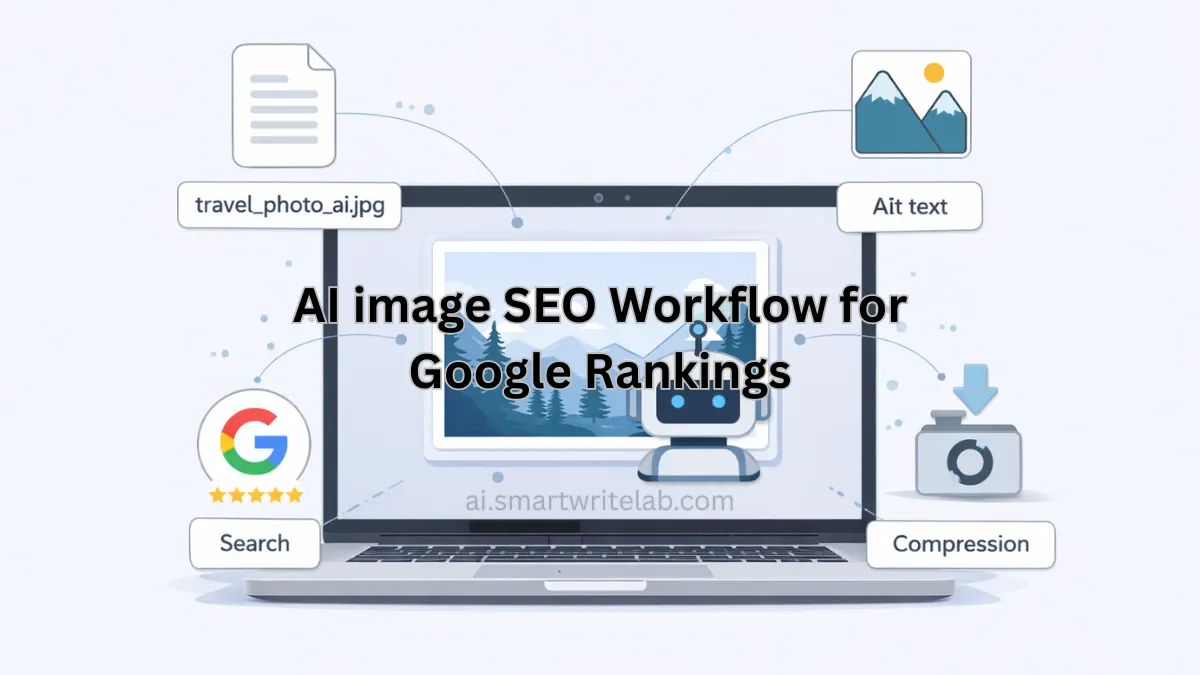
ai-image-seo-workflow.webp
optimize-ai-images-for-google.webp
ai-image-alt-text-example.webp
This helps Google understand image context.
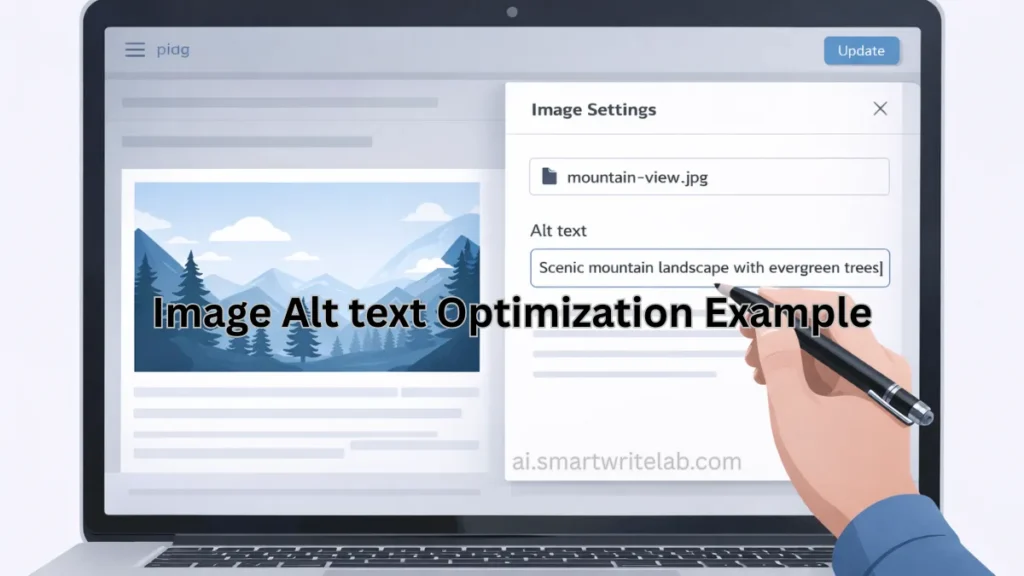
Step 3: Write Strong Alt Text (Not Keyword Stuffed)
Alt text should:
- Describe the image clearly
- Match page topic
- Stay natural
- Avoid keyword repetition
Wrong Alt Text
AI image SEO AI optimization ranking Google image AI SEO
Correct Alt Text
Illustration showing workflow for optimizing AI images for Google rankings
Google uses alt text for:
- Accessibility
- Image search relevance
- Page topic signals
Alt text is supportive — not the main ranking factor — but still important.
How to Use Midjourney AI Effectively (Beginner Workflow)
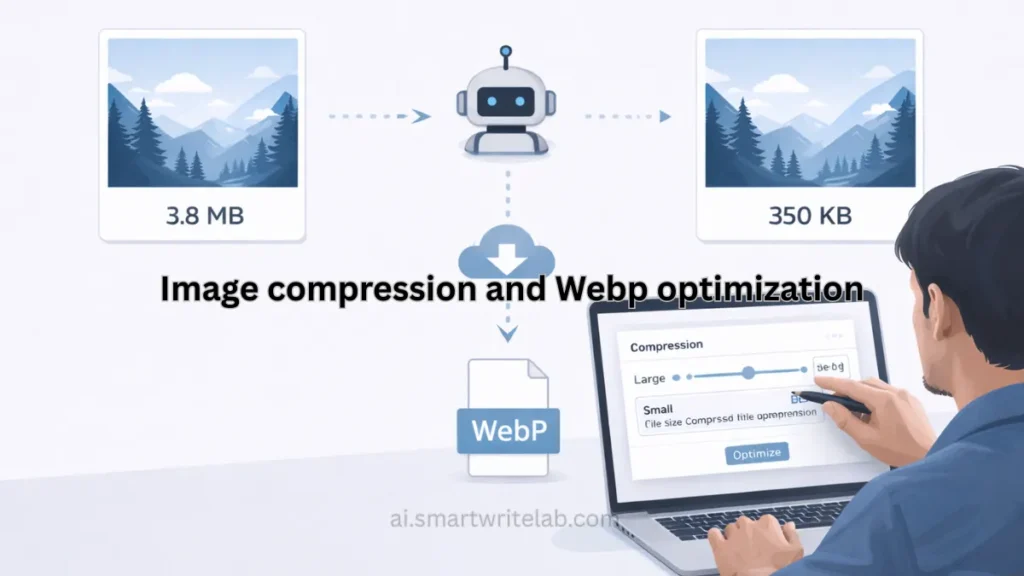
Step 4: Compress and Convert to WebP (Speed Is a Ranking Signal)
Large AI images kill page speed.
Best Practices:
- Convert to WebP
- Keep file size under 150 KB
- Use 1200×675 (blog standard)
- Avoid uploading 4000px images unnecessarily
Page speed directly impacts:
- User experience
- Bounce rate
- SEO performance
Step 5: Use Proper Image Placement Strategy
AI images should not be randomly placed.
Use them:
- After headings
- Before complex sections
- Near explanations
Google values visual structure alignment.
Bad example:
- 5 images stacked at the top
Good example:
- Image supporting each section
Step 6: Add Image Structured Context
Google understands images better when:
- Surrounded by relevant text
- Included in descriptive paragraphs
- Explained in captions (optional)
Example:
After adding an image, explain:
This workflow diagram shows how AI image SEO improves Google visibility.
Context strengthens relevance.
How to Use Leonardo AI Effectively (Beginner Workflow)
Step 7: Avoid Copyright & Brand Risks
AI images must:
- Avoid real celebrities
- Avoid copyrighted characters
- Avoid brand logos
- Avoid misleading realism
Google and AdSense both penalize risky visual content.
Use:
- Flat illustrations
- Concept visuals
- Neutral blog-safe imagery
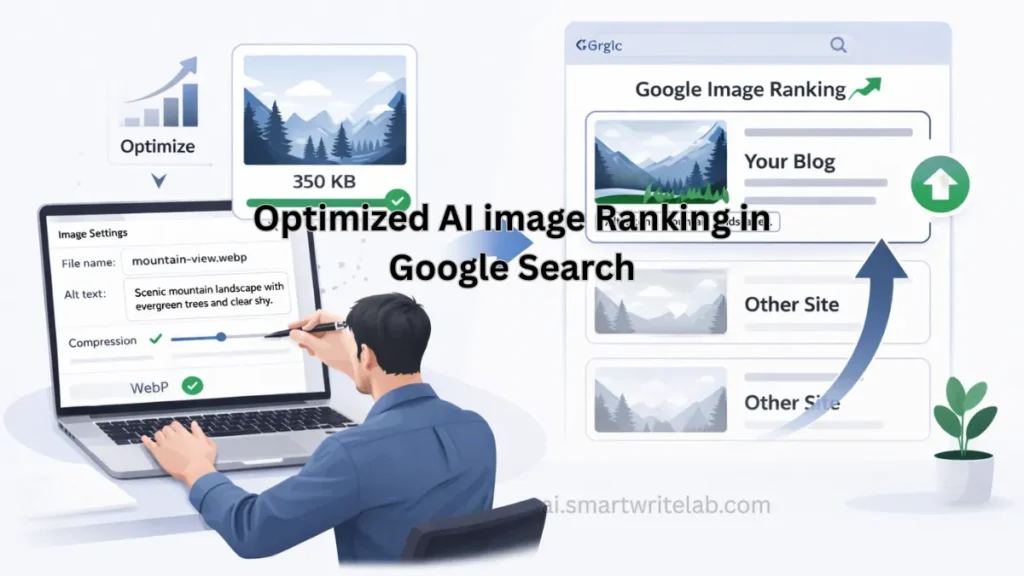
Step 8: Optimize for Google Image Search
To increase Google Images traffic:
- Add descriptive alt text
- Use keyword-aligned filenames
- Place image near relevant heading
- Submit sitemap in Search Console
- Ensure mobile responsiveness
AI images can rank — but only if properly optimized.
Step 9: Add Lazy Loading (Performance Boost)
Lazy loading ensures:
- Faster initial page load
- Better Core Web Vitals
- Improved UX
WordPress usually enables it automatically.
Check:
loading="lazy"in image code
Step 10: Use AI Images Strategically for CTR
High-ranking images increase click-through rates.
Use:
- Clear composition
- Good contrast
- No clutter
- Clean design
Avoid:
- Overly complex AI art
- Distracting visuals
Google rewards helpful visuals, not artistic overload.
AI Image SEO Checklist (Quick Summary)
✔ Clear subject
✔ Relevant file name
✔ Natural alt text
✔ WebP format
✔ Under 150 KB
✔ Placed near relevant heading
✔ Contextual explanation
✔ Mobile-friendly
✔ Copyright-safe
Follow this checklist for every AI image.
Common AI Image SEO Mistakes
- Uploading 2MB+ files
- No alt text
- Same alt text everywhere
- Using AI images as decoration only
- Embedding text inside images
These reduce ranking potential.
Final Thoughts
AI image SEO is not complicated — but it requires intention.
If you:
- Generate purposeful images
- Optimize technically
- Add context
- Focus on user experience
Your AI images can:
- Rank in Google Images
- Improve on-page SEO
- Increase engagement
AI generates images.
Optimization makes them rank.