ChatGPT for Beginners: A Complete Guide
If you’re new to AI and wondering how people use ChatGPT to write better, study faster, and work smarter, you’re in the right place. ChatGPT is not just a chatbot — it’s a powerful assistant that can help beginners write content, explain concepts, create ideas, automate tasks, and save hours of work every single day.
The best part?
You don’t need any technical skills to get started.
This beginner-friendly guide will show you how to use ChatGPT step-by-step, what prompts to use, and how to avoid common mistakes.
Let’s begin your ChatGPT mastery journey.
Table of Contents
1. What Exactly Is ChatGPT?
ChatGPT is an AI tool created to understand your questions and give clear, helpful responses.
It can:
- Write blog posts
- Explain topics
- Generate ideas
- Create scripts
- Fix grammar
- Make social media content
- Help with studies and research
Think of it as a super-smart assistant that’s available 24/7.
Who can benefit from ChatGPT?
- Students
- Creators
- Bloggers
- Business owners
- Freelancers
- Anyone who wants to save time
2. How to Use ChatGPT (Beginner Workflow)
ChatGPT works best when you guide it clearly. The formula is simple:
Give Context → Give Task → Give Example → Give Tone
Example prompt:
You are an expert blogging assistant.
Write a friendly, simple explanation of “keyword research” for beginners.
Tone: conversational and easy to understand.
ChatGPT gives better answers when instructions are specific.
3. Best Prompts ChatGPT for Beginners
Here are simple prompts beginners can use today:
1. For Writing
Write a 150-word introduction on the topic “AI tools for beginners” in a friendly tone.2. For Study
Explain the concept of photosynthesis in simple words, like teaching a 12-year-old student.3. For Content Ideas
Give me 20 content ideas for a YouTube channel about productivity.4. For Emails
Write a polite email to a client informing them that the project will be delivered tomorrow.5. For Social Media
Write 10 short Instagram captions about “motivation” with emojis.4. How ChatGPT Helps Students
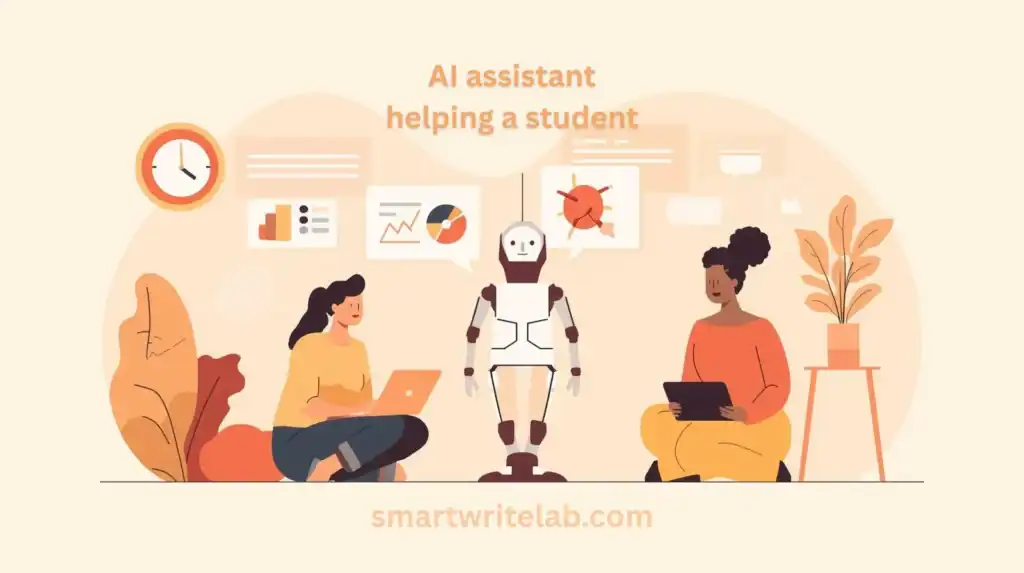
ChatGPT is one of the best free study tools for students.
Students can use ChatGPT for:
- Notes
- Summaries
- Explanations
- MCQs
- Assignment structure
- Vocabulary help
Example prompt:
Summarize this paragraph in 5 simple bullet points:
{paste text}
But remember:
❌ Don’t ask ChatGPT to write full assignments
✔ Always rewrite in your own words
✔ Use it to LEARN, not cheat
5. How ChatGPT Helps Content Creators
Creators use ChatGPT to speed up:
- YouTube scripts
- Hooks
- Titles
- Descriptions
- Blog outlines
- Thumbnail ideas
Example prompts:
Script Prompt
Write a 60-second YouTube script explaining why AI is useful for students.Thumbnail Prompt
Give me 10 thumbnail text ideas for a video about AI winning tools.Blog Outline Prompt
Create a detailed SEO outline for a blog post about “Best AI tools for beginners”.This saves creators hours of brainstorming.
Prompt Library for eveyone should know
6. How ChatGPT Helps Businesses & Freelancers
Businesses and freelancers use ChatGPT to:
- Create ad copies
- Write landing pages
- Build email sequences
- Generate marketing ideas
- Write client messages
- Create content calendars
Example prompts:
Marketing Copy
Write a simple, persuasive product description for a digital planner for students.Email Marketing
Write a 3-email welcome sequence for new customers of a fitness brand.Client Response
Write a polite message asking a client for more details about the project.Best Free AI Tools Every Beginner
7. Common Beginner Mistakes (Avoid These!)
❌ Mistake 1: Giving one-line prompts
Poor input = poor output.
❌ Mistake 2: Expecting perfect results every time
AI gives drafts. You refine them.
❌ Mistake 3: Not giving examples
ChatGPT works better with samples.
❌ Mistake 4: Publishing raw AI content
Google hates robotic content.
Humans → Rewrite → Personal touch → Win.
8. How to Make ChatGPT Sound Human
Use these prompt add-ons:
✔ “Write in a conversational tone.”
✔ “Use simple and friendly language.”
✔ “Add examples relatable to beginners.”
✔ “Avoid robotic or repetitive phrases.”
✔ “Make it sound naturally written by a human.”
9. Best ChatGPT for Beginners Tips for Better Results
Tip 1: Train ChatGPT on Your Style
Paste your writing sample, then say:
Learn my writing style and rewrite this paragraph in the same tone.Tip 2: Ask for multiple variations
Give me 5 different versions of this hook.Tip 3: Build workflows
Prompts like:
From now on, act as my content assistant.Tip 4: Break tasks into steps
Example:
“First create outline → then write intro → then expand section 1.”
Conclusion
ChatGPT for Beginners is more than an assistant — it’s a powerful tool that helps beginners learn faster, write better, and create smarter content with less effort. Whether you’re a student, blogger, freelancer, or business owner, ChatGPT can save you hours of work when used the right way.
Start small → Practice prompts → Improve workflow → Become a pro.
FAQs
Q1: Is ChatGPT free for beginners?
Yes, the free version is enough for most basic tasks.
Q2: Can I write full blog posts with ChatGPT?
Yes, but always edit and add your personal voice.
Q3: Is ChatGPT safe for students?
Yes, as long as it’s used for learning, not cheating.










2 thoughts on “ChatGPT for Beginners: A Complete Guide (Zero to Pro)”