Introduction
The creator world is exploding right now, but so is the pressure to pump out content nonstop. Whether you’re on YouTube, Instagram, TikTok, a blog, or running a podcast, the speed of creation matters more than ever. And honestly, nothing speeds things up like using ChatGPT for content creators.
ChatGPT lets you plan, write, edit, repurpose, and clean up content way faster than you could on your own. The trick is knowing how to use it. If you just ask it to “write something,” you’ll probably get something bland. But with the right approach, ChatGPT becomes a full-on creative partner that never gets tired.
This guide walks you through how ChatGPT for content creators can help you:
- come up with fresh ideas
- write scripts quicker
- clean up your writing
- turn one piece of content into many
- write captions
- stay on-brand
- grow across multiple platforms
If you’re trying to scale your content without burning out, this will help a lot.
Read our full guide on Best AI Tools for Creators
Table of Contents
Why Every Creator Should Use ChatGPT
Most creators juggle several platforms at once. One day you’re writing Instagram captions, the next you’re filming YouTube videos, then posting threads, planning blogs, and tweaking thumbnails. It adds up fast.
This usually leads to:
- burnout
- creative blocks
- inconsistent posting
- content fatigue
- lower quality work
This is where ChatGPT for content creators makes a massive difference.
How ChatGPT for Content Creators changes the workflow:
- cuts writing time by 70–80%
- creates solid outlines
- kills creative blocks instantly
- repurposes content into different formats
- improves clarity and tone
- keeps your brand sound consistent
- gives ideas and feedback
Because of this, using ChatGPT for content creators isn’t really optional anymore. Creators who use it stay more consistent and grow quicker.
Powerful Ways to Use ChatGPT for Content Creators
Let’s break down how ChatGPT for Content Creators can speed up your creative process.
1. Generate Content Ideas (Never Run Out)
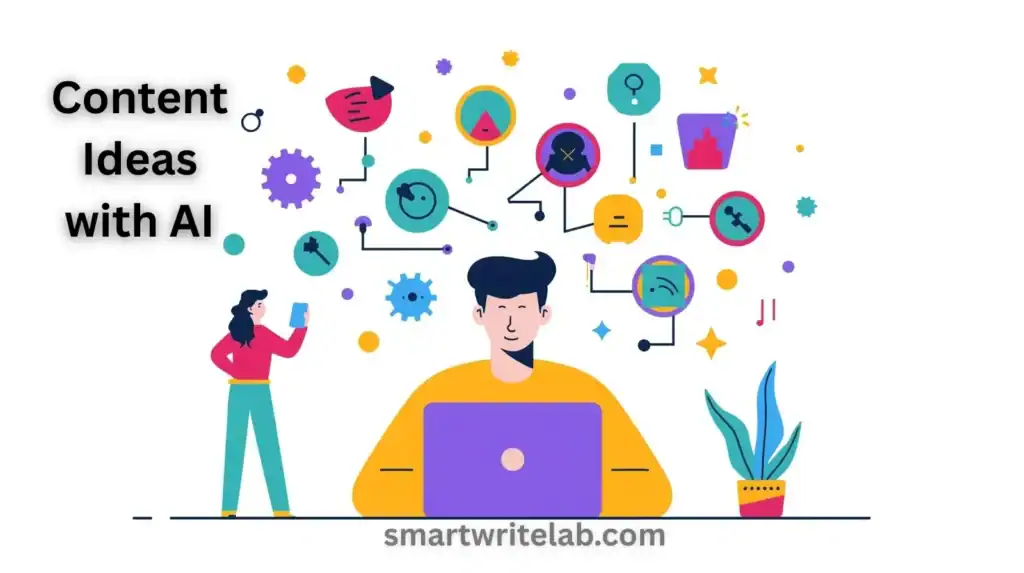
One of the toughest parts of being a creator is figuring out what to make next. ChatGPT removes that stress completely.
Try prompts like:
- “Give me 30 YouTube video ideas for beginners in digital marketing.”
- “Give me 20 Instagram carousel ideas for fitness creators.”
- “Give me 15 storytelling reel ideas for lifestyle creators.”
This turns ChatGPT into a nonstop idea machine.
2. Write Scripts Faster (YouTube, Reels, Podcasts)
Writing scripts can eat up hours. ChatGPT shrinks that down to minutes.
Example prompt:
“Write a 2-minute YouTube script in a friendly tone explaining the benefits of morning routines.”
All you do is tweak the result with your own voice or examples.
If you are a beginner, also check our ChatGPT for Beginners Guide.
3. Repurpose Content Across Platforms
A smart creator knows how to stretch one idea into many. ChatGPT makes this easy.
One YouTube script can turn into:
- 10 Instagram captions
- a full blog post
- 5 tweets
- a LinkedIn post
- 3 short-form video ideas
Creators call it: One piece of content → Ten outputs
Example prompt:
“Turn this YouTube script into 5 Instagram captions in a motivational tone.”
See our full guide: Best AI Tools for Creators.
4. Caption Writing for Instagram, YouTube & TikTok
Captions can be surprisingly time-consuming. ChatGPT handles them without effort.
It can write:
- short captions
- engagement-focused captions
- SEO-friendly YouTube descriptions
- CTAs
- story-style captions
- hashtag sets
Example prompt:
“Write a short, engaging Instagram caption about staying consistent as a creator.”
5. Edit & Polish Your Writing
Even great creators need an editor. ChatGPT can help fix:
- grammar
- flow
- tone
- clarity
- storytelling
- structure
Example prompt:
“Rewrite this paragraph in a clear and friendly tone for beginners.”
Cleaner writing usually means better engagement.
6. Branding & Thumbnail Support
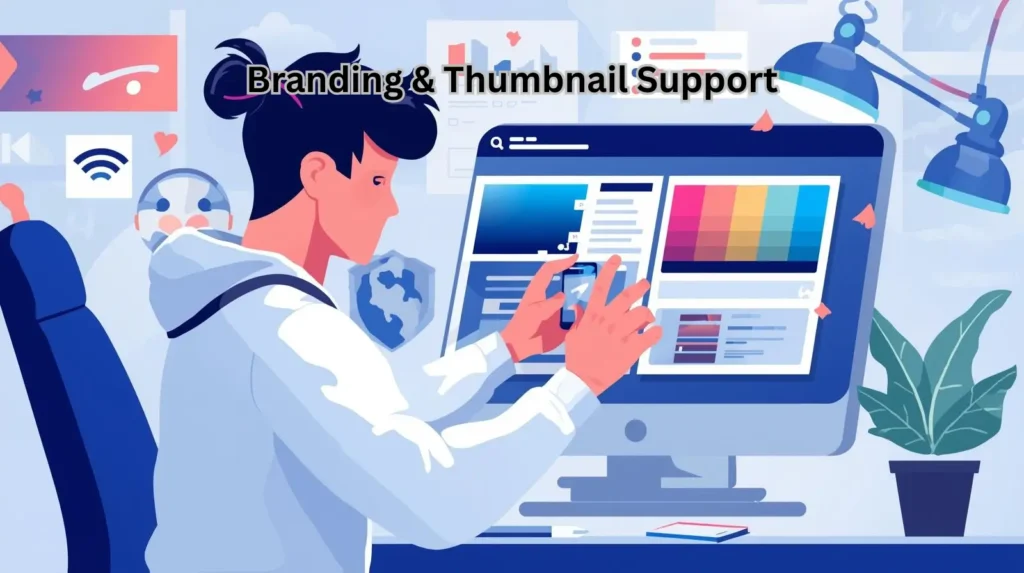
Visual branding is a huge part of content creation. Tools like Canva AI, Midjourney, and Adobe Firefly help you design assets, but ChatGPT can give you the actual branding direction.
Example prompt:
“Create a visual branding guide for a productivity creator using blue, orange, and a clean, minimalist style.”
This helps you stay consistent across all platforms.
Learn visual prompt writing in our Prompt Library for Creators.
7. Build Long-Form Content Faster
If you create blogs, newsletters, or guides, ChatGPT can save you tons of time.
It can:
- expand bullet points
- turn ideas into 1,000–2,000 word posts
- break down complex topics
- build story-driven content
- structure educational posts
Example prompt:
“Expand this point into a 400-word blog section in a helpful tone.”
Long-form content is key for SEO, and ChatGPT makes it much easier.
8. Personal Branding Strategy
Creators are treating their brand like a business now — and ChatGPT helps with:
- brand voice
- audience research
- messaging
- story frameworks
- monthly content planning
Once you set these up, everything you make feels more polished and intentional.
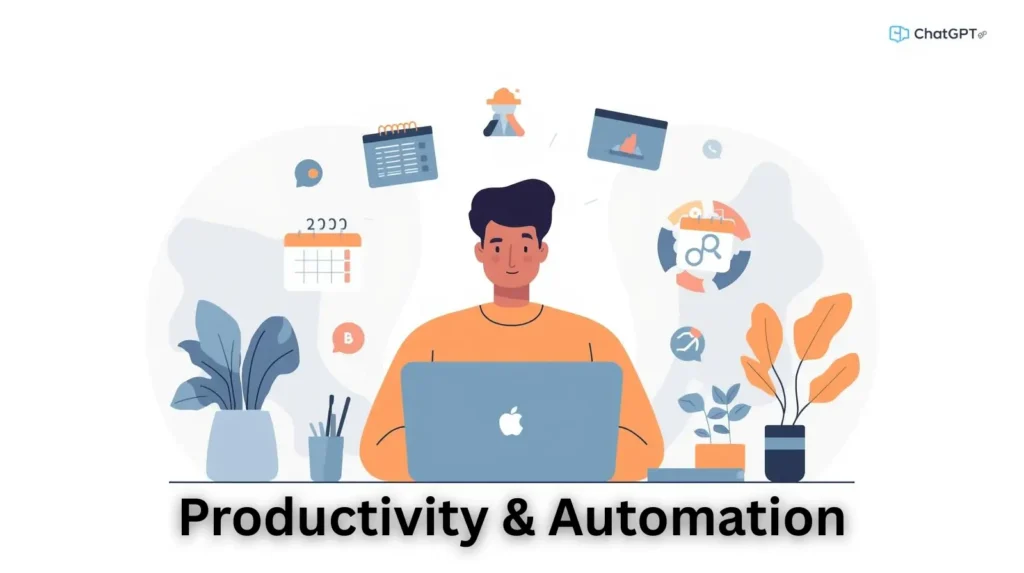
9. Automation for Busy Creators
Automation is what separates casual creators from consistent ones.
ChatGPT can automate:
- content planning
- script rewriting
- caption creation
- email drafts
- idea brainstorming
- content repurposing
- posting schedules
Example prompt:
“Create a weekly content workflow for a YouTube creator posting 3 videos and 10 shorts.”
This easily saves hours each week.
10. Boost Audience Engagement
Talking to your audience is as important as creating content. ChatGPT helps you:
- reply to comments
- write community posts
- ask questions
- create polls
- share gratitude posts
- craft emotional messages
Engagement builds loyalty, and loyal followers help you grow.
How ChatGPT Helps You Stay Consistent
The biggest issue for most creators isn’t skill — it’s staying consistent.
Things that usually get in the way:
- running out of ideas
- slow writing
- lack of motivation
- too much editing
- pressure to post
- poor time management
ChatGPT helps solve all of these by giving you systems, templates, workflows, and content support 24/7.
It helps you:
- plan ahead
- write quicker
- repurpose content
- automate tasks
- stay on-brand
- show up consistently
Consistency is what builds momentum, and ChatGPT helps you stay on track even on low-energy days.
Advanced Techniques for Pro Creators
As creators grow, their strategies get more advanced. Here’s how top creators use ChatGPT at a higher level:
1. Build Custom Frameworks
For hooks, intros, CTAs, videos, blogs, emails — everything. ChatGPT can generate tons of templates instantly.
2. Audience Persona Research
ChatGPT for Content Creators helps you understand:
- what your audience struggles with
- what topics they care about
- what they search for
- what trends impact them
This gives you a big advantage.
3. Competitor Analysis
ChatGPT can break down:
- what’s working for competitors
- why their content performs
- what formats go viral
- where the gaps are
4. Productivity Systems
ChatGPT can help you build:
- morning creative routines
- weekly schedules
- monthly plans
- automated calendars
These systems help you grow without burning out.
Conclusion
Creators aren’t held back by ideas or talent — they’re held back by time. That’s why ChatGPT for content creators is such a powerful tool.
When you use it the right way:
- your output increases
- your ideas get sharper
- your editing gets easier
- your workflow gets smoother
- your brand becomes stronger
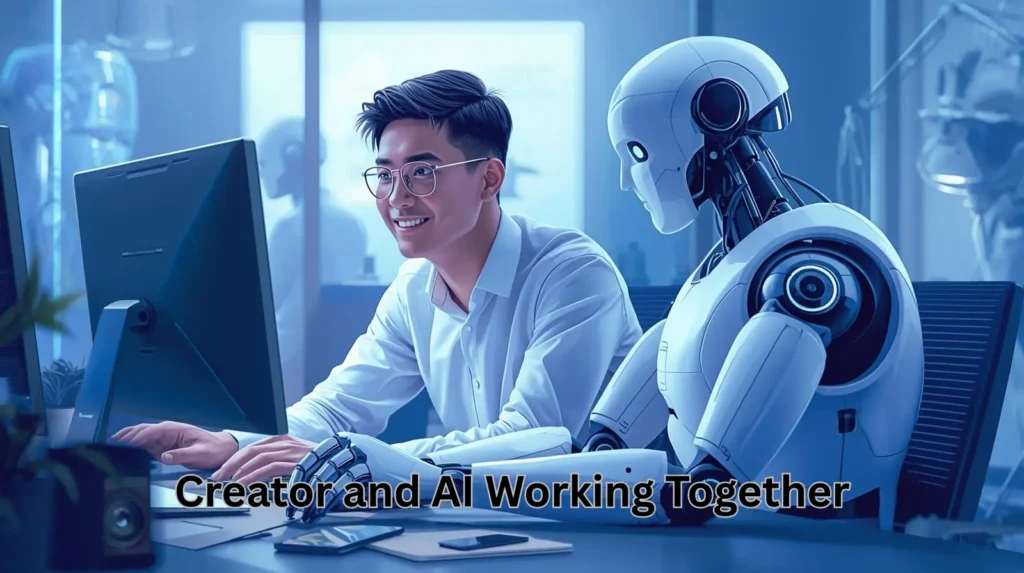
ChatGPT isn’t here to replace creators — it’s here to support them. It helps you create more without draining your energy.
If you’re serious about growing, now is the perfect time to use ChatGPT for content creators in a more intentional way.
Focus on consistency.
Focus on systems.
And let AI help you work smarter, not harder.
Frequently Asked Questions
Q1: Can ChatGPT replace content creators?
No — it helps with structure and ideas, but the creator’s personal voice still matters the most.
Q2: Is ChatGPT safe to use?
Yes, as long as you avoid sharing personal information.
Q3: Can I use ChatGPT for YouTube scripts?
Definitely. It’s one of the easiest ways to write clear, fast, well-structured scripts.
Q4: Does ChatGPT help with Instagram content?
For sure. It can handle captions, reels scripts, carousel text, hashtags, and more.
Q5: How should beginners start?
Start with simple prompts, then slowly build workflows. Repurposing content is a great place to begin.









1 thought on “ChatGPT for Content Creators: Faster Content Guide”